
Searching Cases by Name
MiCOURT Case Search is the public tool for this. Pick the court before typing anything. Most Menominee circuit matters land in 41st Circuit Court - Menominee. District cases go to 95A District Court. The Name Search tab wants a last name or business name of at least two characters. It rejects wildcard characters. First name, middle name, and birth year are optional ways to narrow, not excuses to skip the court selection.
Treat any name result with care. Before opening a record, check the court, the party role, the case type, the filing date, and the number. When several people share a name, add a filed-date range. For a traffic or criminal matter, an offense-date range often works better. It beats a wide filing range. If the paperwork or party information points to a different spelling, search again with that supported variation. Guessing spellings without a reason just adds noise to the docket results.
- Select 41st Circuit Court - Menominee or 95A District Court based on the case type.
- Choose Name Search and enter the required last name or business name.
- Add first or middle name, birth year, status, type, or a date range to reduce unrelated matches.
- Open the matching public result and preserve its court, number, status, and event information.
| Field label | Type | Required | Menominee search use |
|---|---|---|---|
| Last Name or Business | Text | Yes | At least two characters; wildcard characters are not accepted. |
| First Name / Middle Name | Text | No | Use only to narrow an otherwise broad name result. |
| Birth Year | Numeric | No | Optional public search field when appropriate. |
| Case status, type, or date | Filters | No | Use status, category, filed date, or offense date to focus a Menominee result. |
Menominee Case Search Court Choice
Choosing the court is the first local filter in a Menominee case search. It is not a detail to settle later. The 95A District Court takes traffic and civil infractions, ordinance matters, misdemeanors, smaller civil matters, and the early district stage of adult felony cases. The 41st Circuit Court holds the general-jurisdiction record. That record covers a bound-over felony, a domestic case, a larger civil claim, and other circuit work.
That split means one felony can carry two useful Menominee case numbers. The 95A file may show the complaint, arraignment, bond, and preliminary-examination activity. Once the matter is bound over, later circuit proceedings appear under a separate circuit number. Write both numbers down exactly as displayed. Use the court field on each search. One result is rarely the full history.
MiCOURT's case-search documentation lays out the public search modes and the notices that make this court-first approach work.
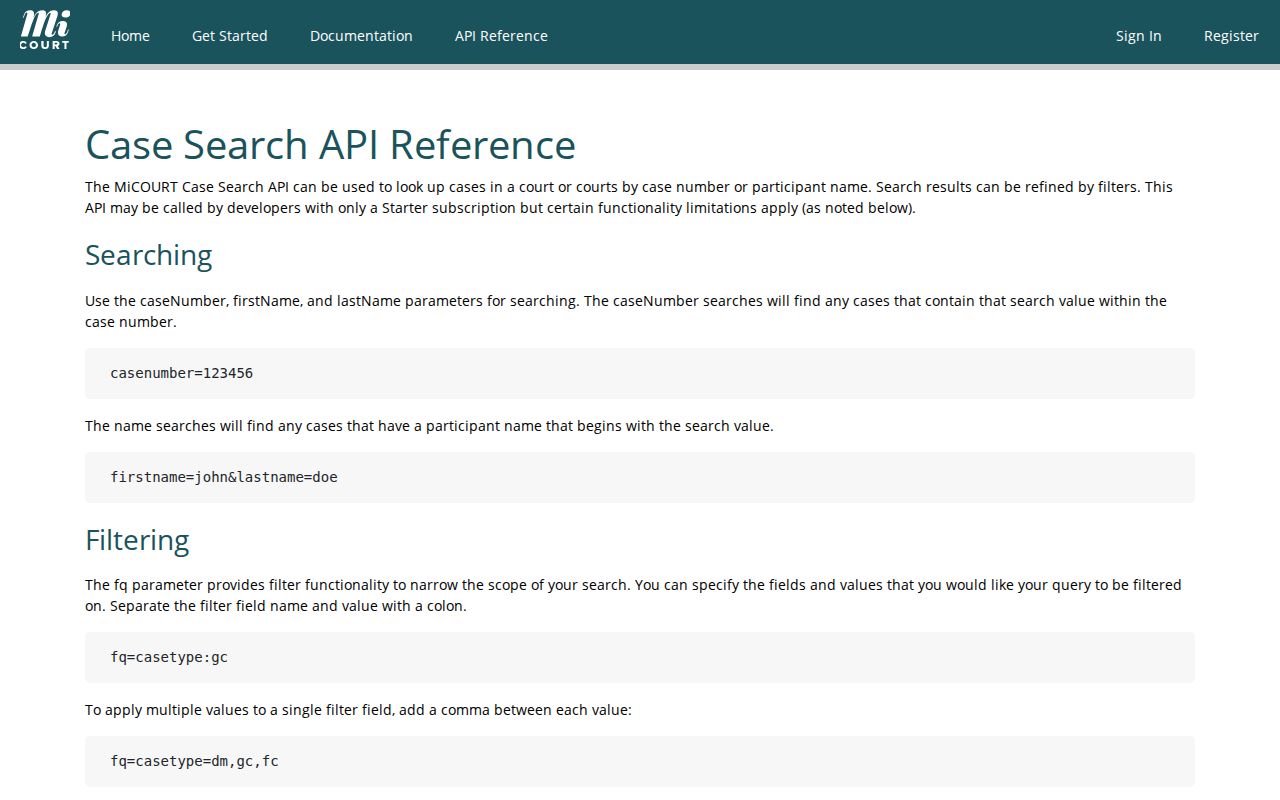
Those documented search modes point the same way. A Menominee case search works best when it starts with the court and the strongest identifier, not a broad statewide name query.
Searching by Case Number
Case Number Search wins whenever a court paper, citation, or prior docket printout hands you the number. Type the case or petition number exactly as printed. If the four-digit case year is known, the optional field helps narrow things. Michigan results can show a year, a case-type code, a local sequence, and a suffix. They arrive in one formatted string. Copy the number off the paper instead of rebuilding it; that habit cuts avoidable errors.
A locally useful shorthand looks like 2026-SI-000123. The year, the case-type code, and the sequence each give a search clue, though the real format varies by court and matter. After a bindover, keep the 95A number and record the new circuit number too. Search a petition number as a petition number. Never guess it from another case's pattern.
Menominee Case Search Type Filters
MiCOURT offers filters for case status, category or type, subcategory, filed-date range, and offense-date range. Documented status choices include open, closed, disposed, deferred, ADR, mediation, and garnishment. It depends on the selected court and interface version. A status is just a system field. Without the related event or order, it does not explain the legal result.
Short codes keep similar docket entries straight. In 95A results, SI means statute civil-infraction traffic, OI is ordinance civil-infraction traffic, ST is statute misdemeanor traffic, and OT is ordinance misdemeanor traffic. When some other code appears, consult the Michigan case-type code list.
The official v3 filter reference shows the filters, sorting choices, and pagination. These can shape a large set of Menominee results.
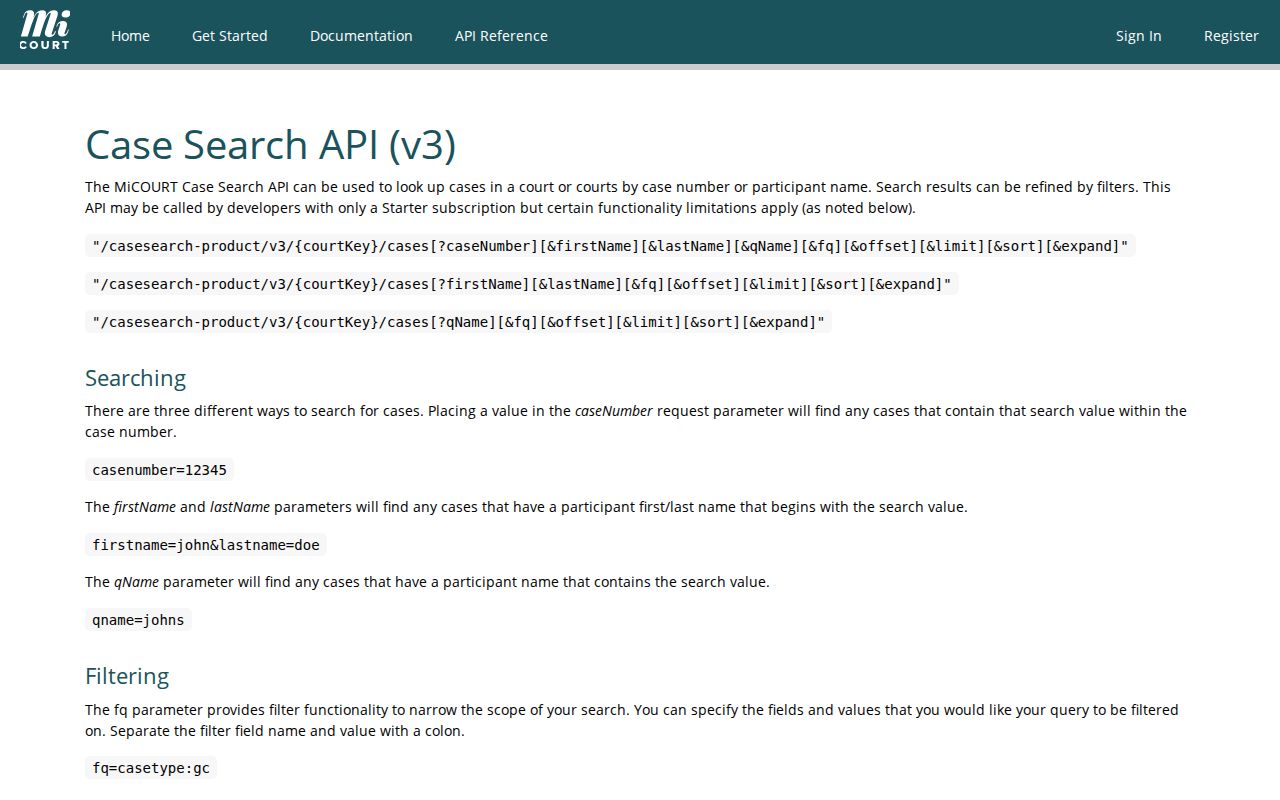
A result list can run several pages. Write down the filters and sort used, so the Menominee case search can be repeated or explained to the clerk later.
Menominee Case Search Terms
Short portal labels help. They don't tell the whole procedural story. Read the event text, the case type, and the court together. A case marked closed or disposed carries a status label, nothing more. The order or disposition entry is what explains the recorded outcome. When a term looks unfamiliar, copy it exactly. Ask the clerk about the public record rather than translating it from memory.
- Register of actions
- The chronological case activity kept by the clerk, often the closest record to what people call a docket.
- Bindover
- The transfer of a felony matter from district court to circuit court after the preliminary-examination process supports probable cause.
- Disposition
- The court-record outcome shown for a charge or case, such as dismissal, plea, judgment, settlement, or another closing action.
- Supplemental event
- A calendar or docket event that may be administrative rather than a contested hearing or merits ruling.
Definitions do real work here. They separate an event entry from the underlying document, and a scheduled setting from a final result.
What a Case Search Returns
A typical result gives you the basics. Expect the court, the case number, the case type, its status, the parties or businesses with their roles, and the filing date. Digging into a single case can reveal more: scheduled hearings, charges or claims, document links, financial fields, and what the court recorded as the outcome. Not all of that is public in every case. A document title with a link still promises nothing about the papers underneath it, since much of a court file never becomes downloadable.
Read the events with care. A complaint or petition merely opens a matter. A motion is a request, not a ruling. An order is what directs action, and the disposition records the result. When you want to know what happened on a given date, the chronological register of actions is usually your best answer.
| Court | Identifies whether the public record is in 41st Circuit Court or 95A District Court. |
|---|---|
| Case number and year | Use the displayed number, including any local format, to search again or request a copy. |
| Case type and status | Shows the category and a system label such as open, closed, or disposed. |
| Party and role | Distinguishes a party, business, plaintiff, defendant, or another public role. |
| Events and hearings | May list filed actions, settings, orders, and document links as the public record exposes them. |
MiCOURT’s usage example spells out the sample case-summary and event metadata that sit behind these public result fields.
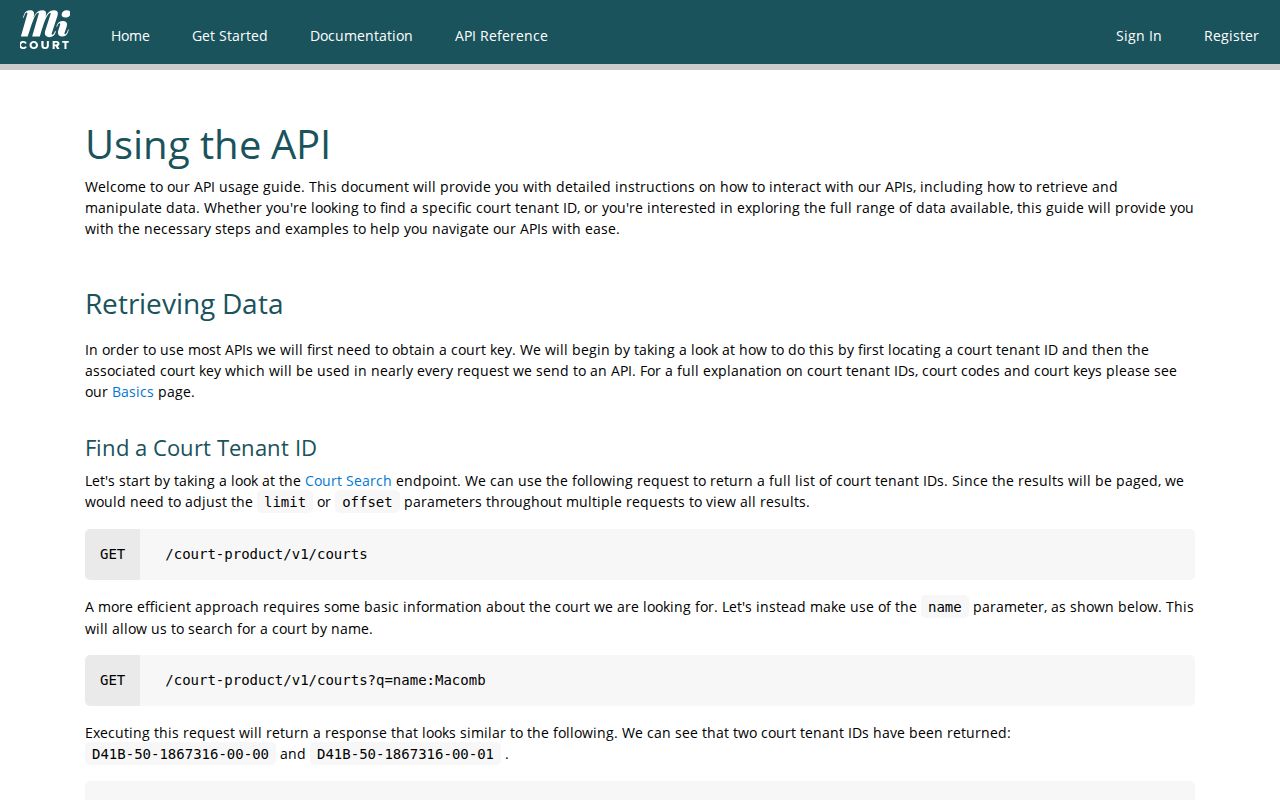
Treat the field inventory as a checklist. It helps you copy a Menominee case number, an event date, and a status without assuming a missing field means nothing.
Menominee Case Search Result Detail
Check before you trust a case detail. Compare the parties, court, type, date, and number. Check them against the paper or question in front of you. Results can be paged and sorted by newest, oldest, docket identifier, or tracking identifier. A name match alone proves little. Common surnames and business names often pull up more than one public case.
MiCOURT also flags a display quirk: attempted felony matters can show as FELONY under an MCL 750.92(3) data condition. Read the charge text and any public disposition rather than leaning on a category label. Save the result URL, your search date, the court you selected, and your filters. Keep them in case the detail needs checking later.
Statewide vs County Case Search
MiCOURT is the statewide public layer, and both Menominee trial courts participate. It is not a second county index holding a fuller local file. Use it to find a public case, a public event, or a public setting. For inspection, copies, an older result, an access question, or confirmation of the original court record, go to the court clerk.
| MiCOURT public search | Menominee clerk and courthouse process |
|---|---|
| Finds public cases and events exposed through the statewide service. | Provides the responsible local channel for inspection, copies, and official-record confirmation. |
| Searches by selected court, name, case number, type, status, and dates. | Uses the case number, caption, year, and exact document or register requested. |
| Shows informational public results, not a certified record or bulk-download source. | Can explain public access, copy options, and court-specific restrictions. |
MiFILE sits in a different lane entirely. It is the state’s electronic filing system, not a public case-search archive. Filing something means using the proper filer process. Looking for public docket activity means starting with MiCOURT or the clerk.
Menominee Case Search Public Limits
The public interface itself says its results are informational and not the official court record. There is no public bulk-download function. The site prohibits bulk downloading. A result can come back incomplete for several reasons. Privacy rules can do it. So can a court’s own public-display choice, a filing still in processing, or a temporary service problem. So a blank screen after a broad query proves little. It does not prove a case was never filed.
The current MiCOURT reference lays out the category, status, date, and other query fields. The public screen itself controls what a Menominee searcher actually sees.
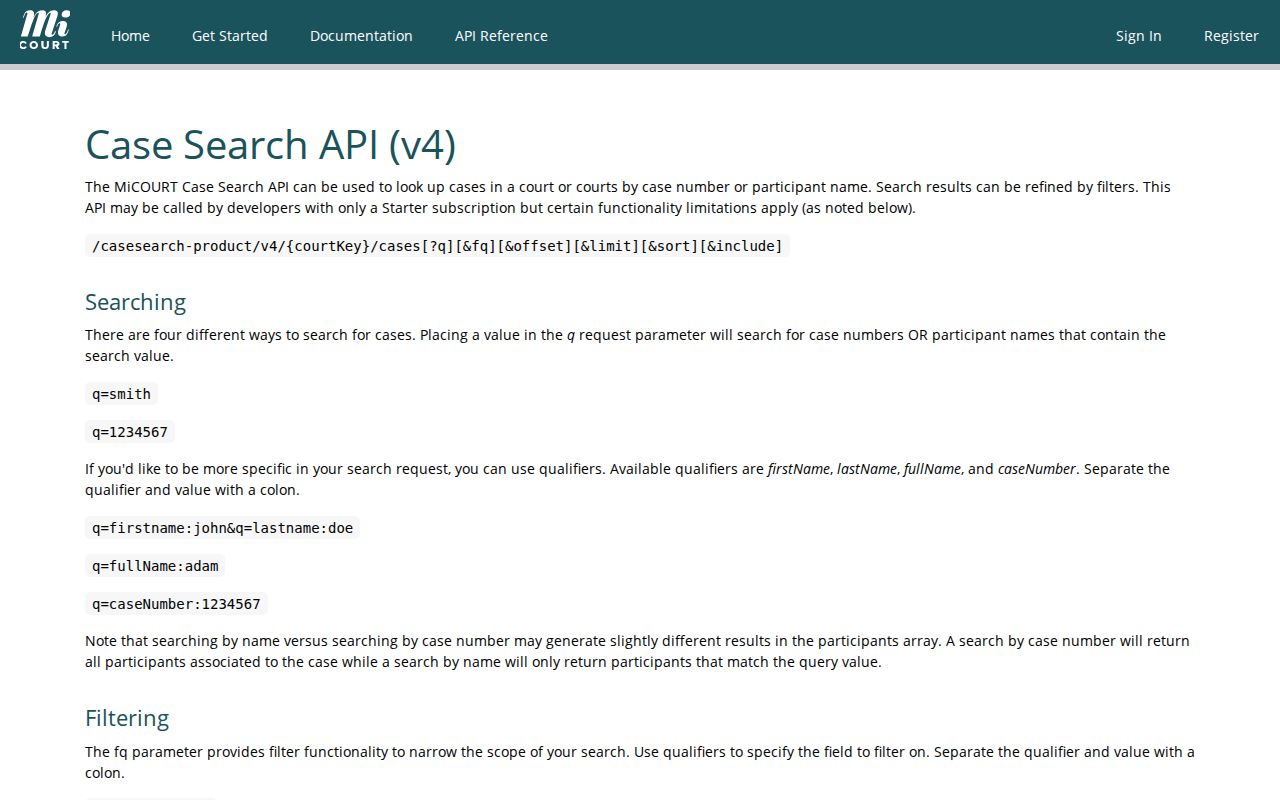
The documented fields help you set a careful search scope. They do not promise that every field or case category is public in a Menominee result.
Menominee Case Search No Result
An empty result can mean many things. Maybe the wrong court was selected, or the number format and name differ. A date filter may be too narrow. The case may fall outside the criminal seven-year filter. The category may be nonpublic. The filing might not be indexed yet. The case could be federal or tribal, or the service is briefly down. State your search scope before treating a blank result as meaningful.
Start over with the court and the strongest identifier. Then adjust one supported filter at a time and note what changed. The facts may still point to Menominee. But nothing surfaces. Call the responsible clerk with the name, the approximate year, the court level, and the document sought. A question that narrow gives the clerk a practical way to identify the next public-access route.
Access and Restricted Cases
Nonpublic information stays out of ordinary MiCOURT results. The exclusions run long. Adoption, juvenile and child-protective proceedings, juvenile guardianships, mental-health matters, name changes, and parental waivers are excluded. So are personal-protection orders and their violations, surrendered-newborn matters, treatment of infectious disease, extreme-risk protection orders, young-adult foster care, and wills. Probate, guardianship, and protective files can carry sensitive portions too.
Some criminal searches reach only convictions sentenced within the past seven years. That limit can yield nothing. So can a sealed record, a suppressed party line, a wrong court, a narrow date range, or slow indexing. Sealing does not mean the case was dismissed. It does not mean it was expunged, destroyed, or resolved one way or another. It means a rule or an order restricts public access.
Public access limit: If a Menominee result is absent or restricted, ask the responsible clerk what public portion is available and whether a redacted copy or public register entry can be released. Do not use a county FOIA request to override a judicial restriction.
Menominee Case Search Fallbacks
Hit a dead end in the portal? Go to the court that holds the record. The Menominee County Clerk wears two hats. As Circuit Court Clerk, that office handles 41st Circuit records at the courthouse. The 95A clerk covers district matters, including traffic, ordinance, and misdemeanor cases. Older or excluded cases also run through these offices rather than the portal.
Have your details ready before you call or visit. Give the clerk the court and the case number. Also give the approximate year, the caption, and the exact document or register entry you need. The courthouse sits at 839 10th Avenue, Menominee, MI 49858. For Circuit records, call (906) 863-9968. For district cases, the 95A clerk line is (906) 863-8532. Staff can help you pick the right option. It may be a public-access terminal, an inspection, an ordinary copy, or a certified copy. Federal and tribal matters belong to separate court systems. A Menominee state clerk cannot search outside that custody.
Menominee Case Search After Filing
A filing does not always appear in the public index right away. MiFILE submissions may sit pending clerk acceptance. Some come back rejected for correction. Others land in the record at a time that differs from the public display. Timing matters most when a Menominee case search runs soon after a filing, motion, or payment. Until the court accepts it or the public record confirms it, nothing is final. A submitted item is not yet a docket entry.
Searching under a deadline? Save the details first. Note the court you selected and the exact query. Also note any filters, the search date, and any error message. Then ask the clerk where the case stands. It may be newly filed, still being indexed, archived, restricted, or sitting in another court. A public calendar setting or portal result is a strong lead. The clerk-held record is still what verifies it.